Start with a change.
Tell your agent what you want to build. It works in your repo, with your existing tools and local services.
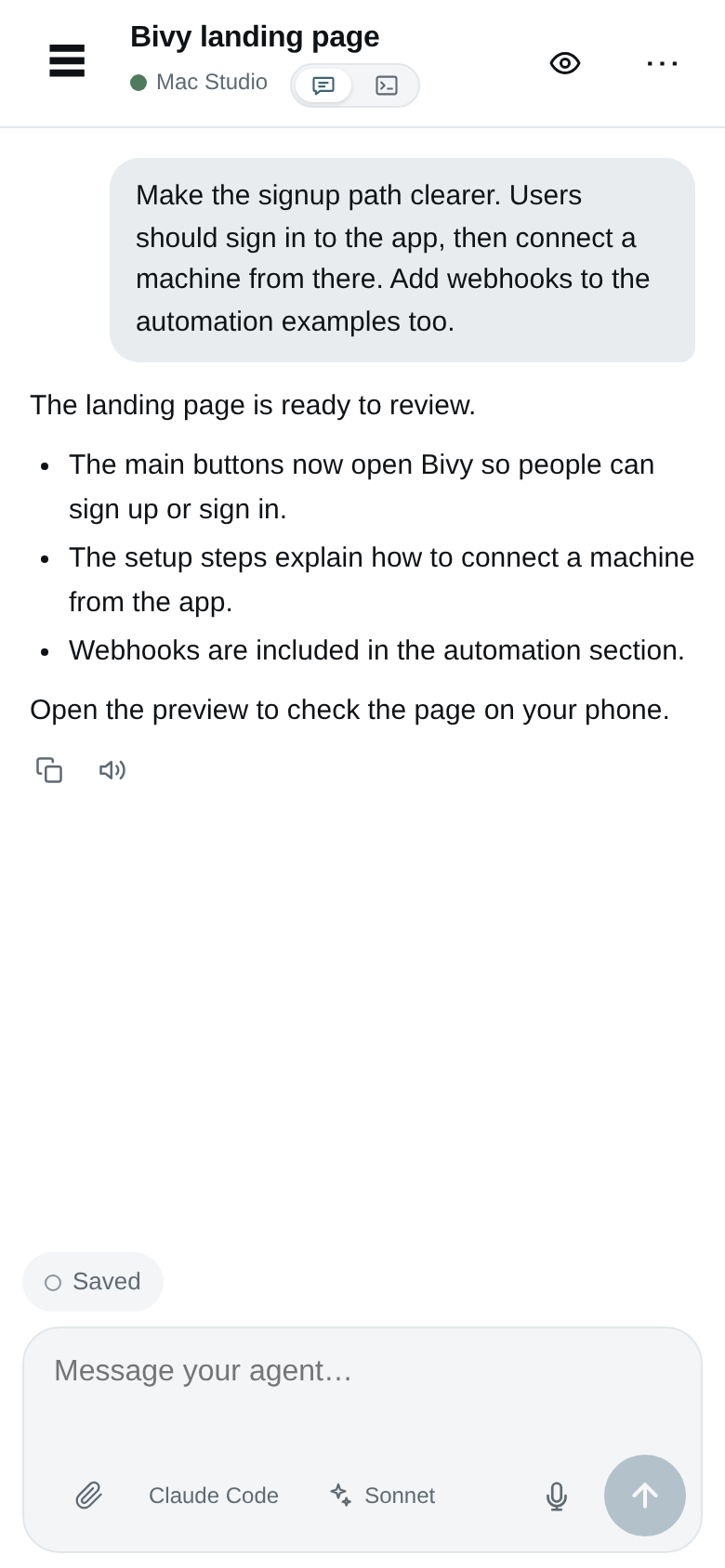
Build and review from your phone
Ask for a change. Try the app. Point to what needs fixing—all from your phone. Your agent runs on your own Mac, Linux computer, or server.
10 free sessions every week. No credit card required.
Bring your machine and coding agent. Connect them after signup.
01 / FROM REQUEST TO REVIEW
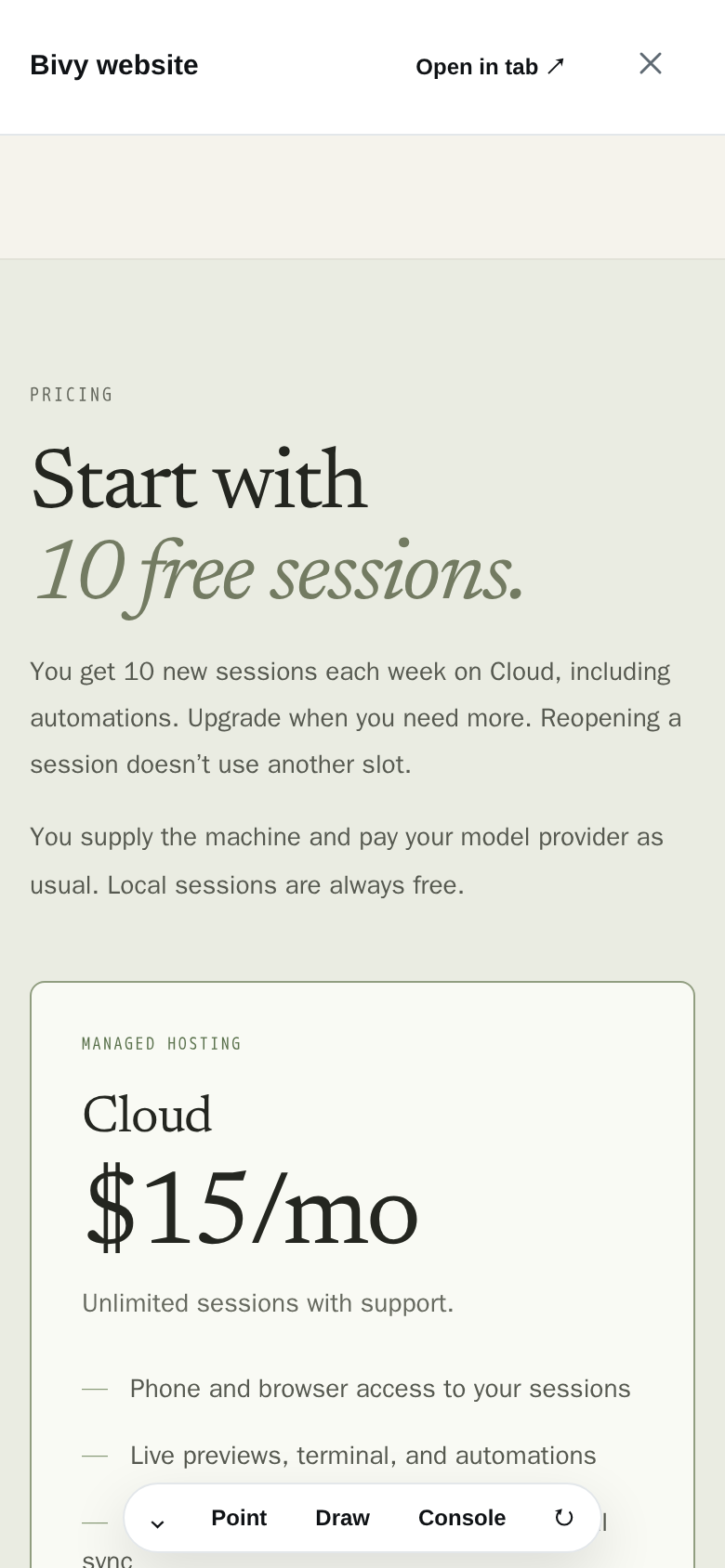
An agent says the change is done. Open the app and try it. If something’s off, point to it and ask for a fix in the same session.
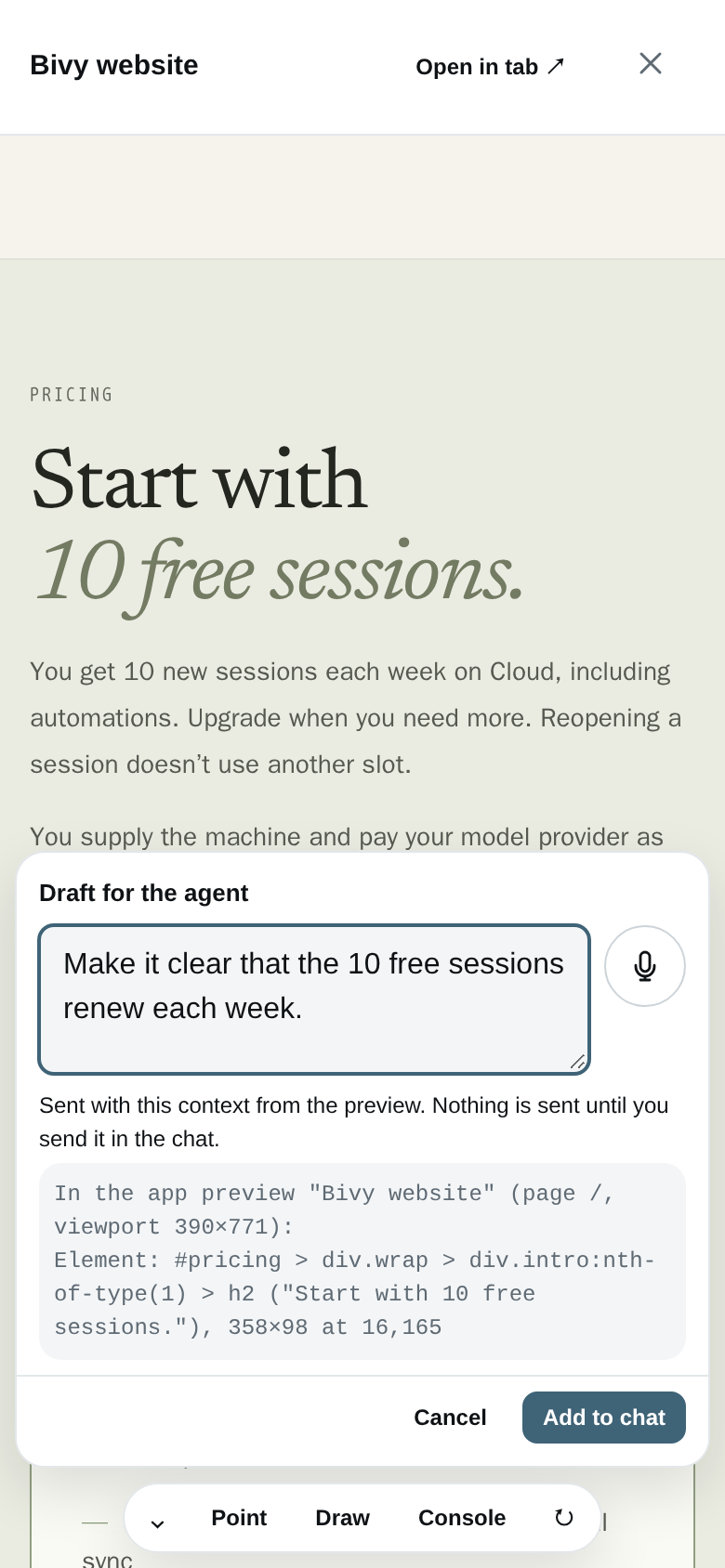
A website change, a live preview, and a specific request for a fix. Here’s what the feedback loop looks like in Bivy.
Tell your agent what you want to build. It works in your repo, with your existing tools and local services.
Try the running app on your phone. Tap through the page and see what needs another pass.
Circle what needs changing on the preview. Add a note, then send the marked-up screenshot and your instructions to the agent.
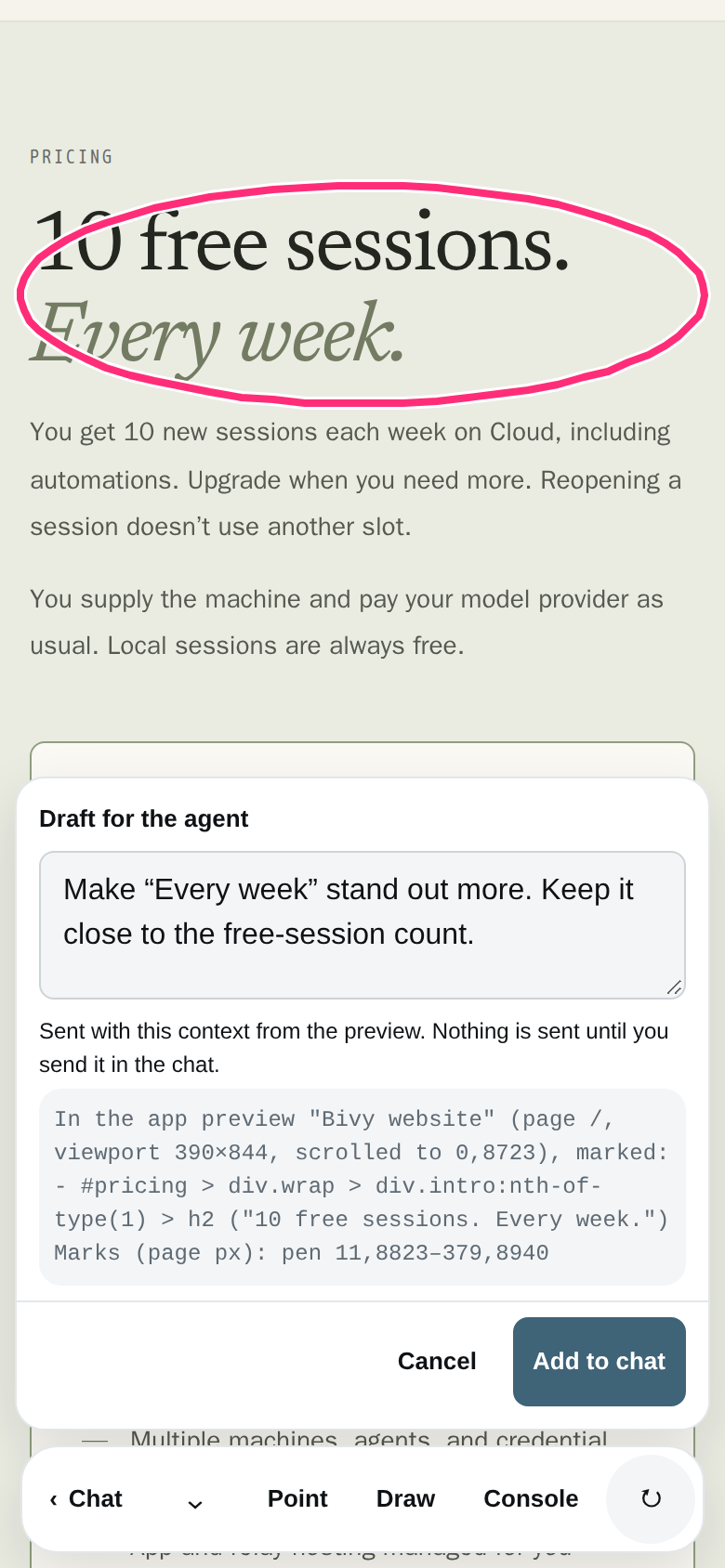
You decide when it’s ready. Try the app again, inspect the diff, and review the checks before you merge.
Explore previews and visual feedback ↗02 / WHEN YOU LEAVE YOUR DESK
You’ve started a task, but you need to head out. Keep the machine running and open Bivy on your phone. Answer the agent’s question or review its changes without restarting the conversation.
Sign up free ↗Use the repo and agent you normally work with.
Answer a question, approve an action, or open the terminal.
Try the app, inspect the diff, and check the test results. Review the branch and pull request before you merge.
03 / BEYOND ONE MACHINE
Claude Code on your Mac. Codex on a server. Keep your sessions together and choose the setup that fits each task.
Reuse supported keys and OAuth logins across compatible agents and machines with end-to-end encrypted sync. Keep work and personal credentials separate.
See what syncs and which logins stay local ↗Your laptop for a quick fix. An always-on server for a longer job. Choose a machine and agent, then check in from any device. The machine running the work must stay awake and connected.
Fork or move a session with its code and conversation context. History transfer depends on the agents involved; review the new session before retiring the original.
How handoffs work ↗04 / AUTOMATE THE HANDOFF
Pick it up on your phone when it needs you. A GitHub issue, failed CI check, Slack or Linear message, schedule, or signed webhook can start your agent on the machine you choose. Open the same session to add context, try the app, and review the result.
Read its progress and send a follow-up.
05 / BUILT AROUND YOUR SETUP
Connect the Mac, Linux computer, or server where you already work. Bivy uses your existing agent subscriptions, API keys, or local models.
Interactive traffic is end-to-end encrypted between your machine and paired devices. Your model provider still receives what the agent sends it.
Bivy is open source. Cloud handles the app and relay for you; self-hosting puts those on your infrastructure too. Slack commands and generic webhook instructions arrive at the routing service as plaintext.
Read the security model ↗Pricing
You get 10 new sessions each week on Cloud, including automations. Upgrade when you need more. Reopening a session doesn’t use another slot.
You supply the machine and pay your model provider as usual. Local sessions are always free.
10 new sessions every week.
Need more? $15/mo for unlimited sessions with support.
Start with 10 free sessions a week. No credit card required.
Run the app server and relay yourself.
FAQ
Bivy is an open-source remote development environment built around coding agents. From your phone or browser, work with an agent, use the terminal, preview running apps, send visual feedback, and review changes on machines you control. Bivy Cloud hosts the app and relay.
Yes. The machine running your agent and dev server must stay awake and connected. You can use an always-on Mac, Linux computer, or server to keep working when your laptop is closed.
No. Bivy Cloud hosts the app and relay for you. Bivy Core is open source under AGPL-3.0, so you can self-host the app server and relay if you prefer.
Pi, Claude Code, Codex, and OpenCode are Supported. More agents are available as Beta or Experimental adapters; the runtime matrix has the details.
Not for interactive remote sessions: prompts, transcripts, diffs, files, and model keys are end-to-end encrypted between your machine and devices. Slack commands and generic webhook instructions are plaintext in the hosted routing service.
No. Some agents have native sandboxing or structured approvals; others run largely as you. Bivy does not ship a universal OS-level jail.
Try it
Create an account or sign in to Bivy. Choose Connect a Machine and copy your personal connection command. Run it on your Mac, Linux computer, or server, then pick a repo and start a session.
10 free sessions every week. No credit card required.
Already have an account? Sign in →